It’s vital to understand several key factors before you install smart cameras or doorbells in your home. These devices not only enhance your security but also come with privacy considerations, installation requirements, and compatibility issues. By being informed, you can make smarter choices that fit your lifestyle and ensure the effectiveness of your surveillance system. This guide will provide you with the important aspects to consider, empowering you to safeguard your property while integrating smart technology seamlessly.
Key Takeaways:
- Evaluate privacy implications, including data security and location of camera storage.
- Check compatibility with existing smart home devices and network requirements.
- Consider installation locations for optimal coverage and accessibility for maintenance.
Understanding Smart Cameras and Doorbells
Definition and Functionality
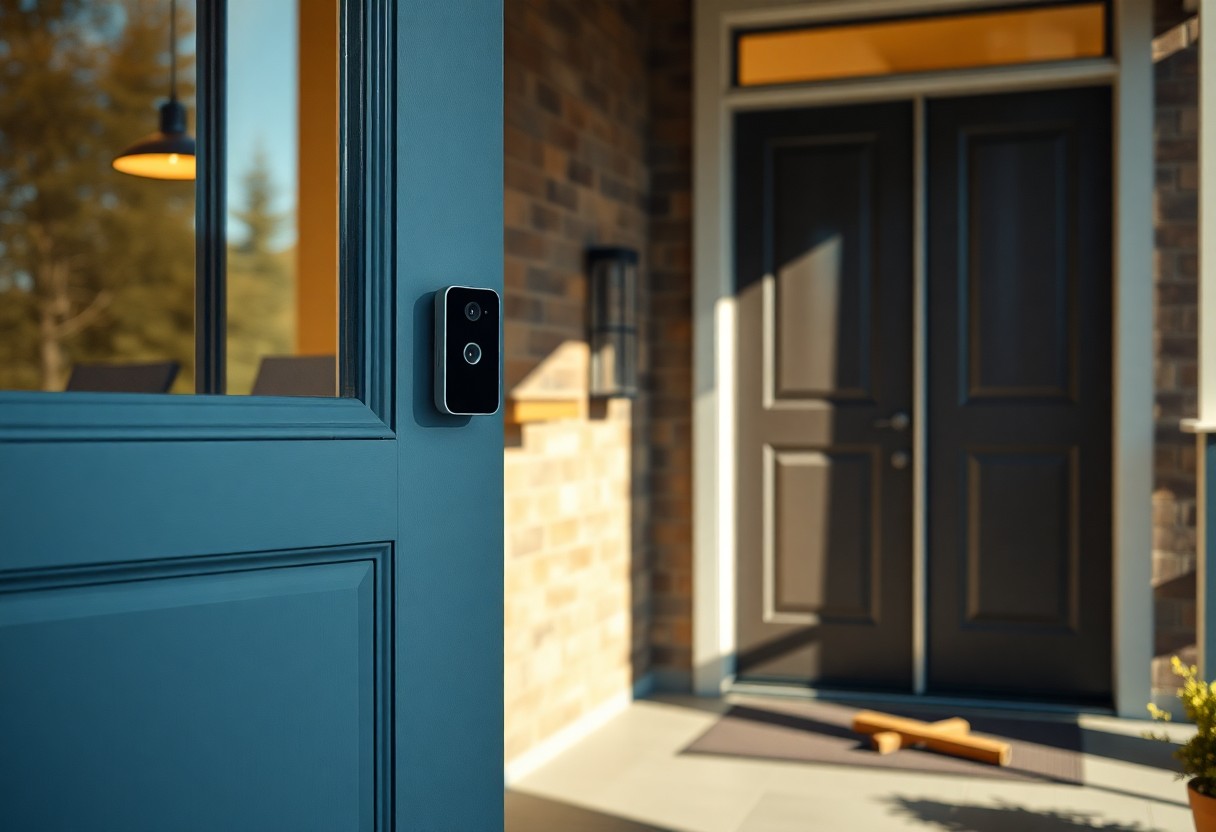
Smart cameras and doorbells are advanced security devices equipped with features that allow you to monitor your home remotely. They connect to your Wi-Fi network, enabling live video feeds, two-way audio communication, and motion detection alerts via your smartphone. Unlike traditional cameras, these devices often integrate with other smart home systems, enhancing overall security and convenience.
Benefits and Features
Investing in smart cameras and doorbells brings numerous advantages that elevate home security. You gain real-time notifications, allowing you to respond to visitors or intruders instantly. With high-definition video capabilities and night vision, you can capture clear footage, regardless of lighting conditions. Many models offer cloud storage options, keeping your recordings safe and accessible from anywhere.
Further benefiting your security setup, many smart cameras and doorbells come with features like facial recognition, customizable motion zones, and integration with smart locks. This ensures that you can customize alerts for known visitors while being notified of unusual activity, enhancing your peace of mind. You can even create automation where your doorbell activates the lights or records footage if motion is detected at specific times, merging safety with advanced technology effortlessly.
Key Considerations Before Installation
Before bringing smart cameras and doorbells into your home, you must weigh several important factors. Assess your home’s layout and lighting, as these elements can impact camera effectiveness. Additionally, consider your Internet connection’s speed and reliability, as these devices require a stable Wi-Fi connection to function optimally. Positioning matters too; ensure your cameras can capture desired angles without obstructions. Lastly, weigh the cost of installation versus the potential benefits in terms of safety and convenience.
Privacy and Security Concerns
You need to evaluate how your smart cameras and doorbells may affect your privacy and that of your neighbors. Issues arise when these devices inadvertently capture footage beyond your property. It’s imperative to configure privacy settings and understand how the collected data is stored and used, as lapses can expose your personal information to cyber threats.
Legal Regulations and Compliance
Familiarize yourself with local laws regarding surveillance devices, as regulations vary widely. Some regions have specific restrictions on audio recording or mandate notification to individuals being recorded. Ignoring these laws can lead to legal repercussions, so it’s your responsibility to ensure compliance with regional statutes.
Legal regulations can differ based on state and municipal laws, influencing your installation plans. For example, some places require visible signage to inform passersby they are under surveillance. Additionally, audio recording may not be permitted without consent in certain jurisdictions, making it crucial to read up-to-date regulations before engaging in smart camera usage. Understanding these nuances will help you avoid potential legal issues while ensuring the protection of your privacy and that of your community.
Choosing the Right Device
Selecting the right smart camera or doorbell involves understanding your needs, budget, and the features each device offers. Prioritize aspects such as video quality, storage options, and interoperability with other devices in your smart home ecosystem. Additionally, consider user reviews and warranty services when making your decision to ensure you invest in a reliable product.
Comparison of Brands and Models
Comparison of Brands and Models
| Brand/Model | Key Features |
|---|---|
| Ring | Two-way audio, HD video, cloud storage |
| Arlo | Wireless setup, night vision, smart alerts |
| Nest | Facial recognition, integration with Google Assistant |
| Eufy | No monthly fees, local storage, 2K resolution |
Compatibility with Existing Systems
Ensure that your chosen smart camera or doorbell integrates seamlessly with your current devices and systems. Compatibility can influence the functionality and user experience significantly.
Smart cameras and doorbells work best when they can interact with your existing smart home solutions, such as voice assistants and security systems. For instance, devices compatible with Amazon Alexa or Google Home allow for voice-activated control and easy integration into your daily routines. Check the manufacturer’s specifications for compatibility with hubs, smart locks, and even lighting systems, as some setups may require specific conditions for effective operation. Being informed here can save you from expensive or time-consuming adjustments post-installation.
Installation Process
Installing smart cameras or doorbells can enhance your home security, but the process may vary based on the type of device and your setup preferences. Consider if you’ll be tackling the project yourself or hiring a professional, as this decision impacts the time and skills needed for successful installation. Further, having the right tools and following manufacturer guidelines can simplify what might seem like a daunting task.
DIY vs. Professional Installation
Choosing between DIY and professional installation depends largely on your comfort level with technology and home improvement. DIY installation often saves money and allows for customization but requires basic electrical knowledge. In contrast, hiring a professional ensures proper placement and optimal functionality but can lead to higher costs. Evaluate your skills and project complexity to make the best choice for your situation.
Step-by-Step Installation Guide
A step-by-step installation guide can help streamline the process, ensuring you don’t miss imperative steps. This guide typically involves selecting ideal camera locations, drilling holes, mounting the devices, connecting to Wi-Fi, and configuring the settings through the mobile app. Following these steps helps to ensure that your smart cameras or doorbells are properly set up for effective monitoring.
Step-by-Step Installation Guide
| Step | Description |
|---|---|
| 1 | Select Camera Location |
| 2 | Check Mounting Surface |
| 3 | Drill Holes and Mount Device |
| 4 | Connect Power Source |
| 5 | Connect to Wi-Fi Network |
| 6 | Configure Settings in App |
For a successful installation, make sure to follow each step systematically. Start by determining the best location for visibility; this affects monitoring effectiveness. Confirm the choice of mounting surface is secure enough to hold the weight of your device. Then, proceed with drilling and mounting properly to avoid damage. Power your camera effectively and ensure it is connected to a strong Wi-Fi signal for optimal performance. Finally, configure settings in the application for alerts and notifications tailored to your preferences.
Maintenance and Troubleshooting
Maintaining your smart cameras and doorbells is important for ensuring optimal performance and reliability. Regular upkeep can help extend the lifespan of your devices while minimizing connectivity and functionality issues. Establishing a routine maintenance schedule will keep your smart devices running smoothly and help you pinpoint any potential problems early on.
Regular Maintenance Tips
To ensure the longevity and efficiency of your smart cameras and doorbells, follow these regular maintenance tips:
- Clean the camera lenses and doorbell area regularly to maintain image quality.
- Check for firmware updates at least once a month.
- Test the motion detection features periodically.
- Inspect battery levels and replace batteries as needed.
- Secure any loose connections or wiring.
Recognizing these small tasks can prevent more significant issues down the line.
Common Issues and Solutions
Common problems with smart cameras and doorbells include connectivity issues, fogging lenses, and battery drainage. Knowing how to address these issues quickly can save you frustration and ensure your devices perform as expected. For connectivity problems, ensure your Wi-Fi network is stable and within range. If your lens fogs up, consider adjusting the positioning or using anti-fog solutions. For battery-related concerns, replace batteries frequently and utilize power-saving modes to prolong battery life.
Understanding these common issues is the key to effective troubleshooting. For instance, if you experience frequent disconnections, verify your internet router’s placement; moving it closer or using Wi-Fi extenders may resolve the issue. Foggy lenses often result from temperature changes; consider housing your device in a climate-controlled area. Battery problems could arise from outdated firmware or misuse; ensure your device’s software is up to date and adjust settings to optimize power consumption. Your proactive approach will enhance your device’s functionality and reliability.
Summing up
With this in mind, before installing smart cameras or doorbells, ensure that you thoroughly assess your privacy needs, connectivity options, and the specific features that suit your lifestyle. Taking time to research different models can help you avoid unnecessary pitfalls. For an extensive overview, you can refer to The 2025 Complete Guide to Video Doorbell Cameras, which can provide valuable insights and help you make an informed decision.
FAQ
Q: What are the vital features to consider when choosing smart cameras or doorbells?
A: Essential features include video resolution (1080p or higher is recommended), night vision capabilities, two-way audio, motion detection alerts, cloud storage options, and compatibility with smart home systems. Additionally, check for user-friendliness in the mobile app and any subscription fees required for advanced features.
Q: How do I ensure my smart camera or doorbell is secure from hacking?
A: To secure your smart devices, change default usernames and passwords, enable two-factor authentication, keep the device’s firmware updated, and ensure your home Wi-Fi network is secured with a strong password and encryption. Regularly review device settings and access logs for any unusual activity.
Q: What should I do to optimize the placement of my smart camera or doorbell?
A: For optimal placement, consider mounting the camera or doorbell at eye level, making sure they are unobstructed by obstructions like walls or foliage. Positioning the devices near entry points while considering the field of view and proximity to power sources and Wi-Fi routers will enhance their effectiveness.