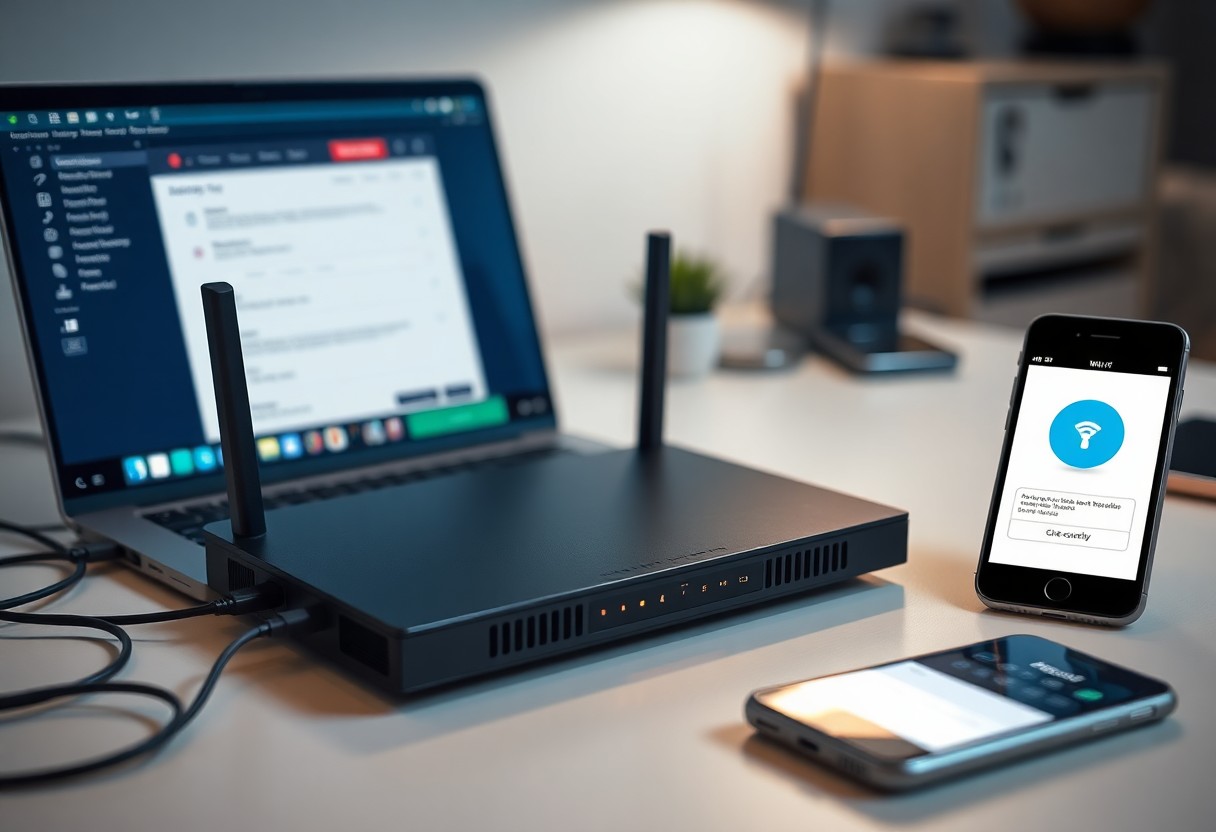
Just as you lock your doors and windows to protect your home, your Wi-Fi setup plays a vital role in maintaining your security. By understanding the potential vulnerabilities in your wireless network, you can take important steps to safeguard your personal information and devices. From choosing the right password to configuring your router settings, your approach to Wi-Fi can either enhance or compromise your overall home security. Take charge of your network today to ensure a safer digital environment for you and your family.
Key Takeaways:
- Weak passwords and outdated encryption methods can make networks vulnerable to unauthorized access.
- Regularly updating your router’s firmware helps protect against security exploits and ensures optimal performance.
- Employing a guest network for visitors minimizes the risk of compromising sensitive devices on your main network.
Understanding Wi-Fi Security Protocols
Your home network’s security hinges on the protocols you choose. Wi-Fi security protocols dictate how your data is encrypted and ensure only authorized users can access your network. The most common protocols are WEP, WPA2, and WPA3, each offering varying levels of security. As cyber threats evolve, understanding these protocols is vital for protecting your personal information and maintaining a secure internet environment.
WEP vs. WPA2 vs. WPA3
WEP (Wired Equivalent Privacy) is outdated and vulnerable, making it easy for hackers to breach networks. WPA2 (Wi-Fi Protected Access 2) improved security significantly, employing AES encryption for better protection. The latest, WPA3, enhances security even further with added features like password protection against dictionary attacks and improved encryption. Upgrading to WPA3, if possible, is the best way to ensure your network remains secure.
Importance of Strong Passwords
A strong password acts as the first line of defense for your Wi-Fi network. Using complex combinations of letters, numbers, and symbols makes it significantly harder for attackers to gain unauthorized access. Weak passwords can lead to data breaches and theft of personal information. Regularly updating your password and avoiding easily guessable phrases can greatly enhance your network’s security.
Your password should be at least 12-16 characters long and should not include easily obtainable information like your name or birthday. Consider using a password manager to generate and store complex passwords for different networks and devices. This way, even if one password is compromised, your other accounts remain secure. Strong, unique passwords greatly reduce the risk of unauthorized access, making them vital to your overall cybersecurity strategy.
Network Configuration Best Practices
Your network’s configuration significantly influences its vulnerability. Implementing best practices can fortify your defenses, ensuring unauthorized users face greater obstacles. Prioritizing aspects such as router placement, frequency band selection, and network segmentation allows you to optimize security while maintaining efficient performance. Adopting these strategies can enhance your home’s protection against cyber threats.
Changing Default Settings
Default settings on network devices often expose you to risks. By changing your router’s default username and password, you reduce the chances of unauthorized access. This act alone can deter many amateur hackers motivated by the ease of exploiting factory settings. Tailoring your configurations sets a robust foundation for your network’s security.
Disabling SSID Broadcasting
Disabling SSID broadcasting conceals your network from casual snoopers, making it less visible to nearby devices. While this may not be a foolproof security measure, it adds an additional layer of obscurity that can deter less persistent attackers. Consider this step as part of a broader strategy to safeguard your home Wi-Fi from potential intruders.
Disabling SSID broadcasting does not make your network entirely invisible; determined hackers might still detect your signals using specialized tools. However, this approach could deter opportunistic threats that scan for readily available networks. When combined with strong encryption and secure passwords, this simple adjustment can enhance your network’s overall security posture, providing peace of mind as you navigate the digital landscape.
The Role of Router Firmware
Your router’s firmware is the underlying software that controls its functions and security features. Keeping this firmware up to date is crucial for maintaining the integrity of your home network. Manufacturers regularly release updates to fix vulnerabilities, enhance performance, and provide new features that better protect your data. Skipping these updates can leave your network exposed to cyber threats.
Regular Updates
Importance of Secure Configuration
Secure configuration of your router minimizes the risk of unauthorized access. This means changing default settings, including the administrator password and network name, to reduce the likelihood of intrusion. Properly configured routers can create a significant barrier against potential threats from both external and internal sources.
Configuring your router securely includes disabling remote management features, enabling firewalls, and setting up guest networks for visitors. For instance, using WPA3 encryption instead of older standards like WEP enhances protection against eavesdropping. Additionally, you should regularly review connected devices to spot any unauthorized access. Each of these steps establishes a more secure network, making it considerably harder for hackers to penetrate your system and compromising your personal information.
Guest Networks: A Double-Edged Sword
Setting up a guest network can enhance your home security while providing convenience to visitors, but it requires careful management. This separate network allows guests to access the internet without compromising your main network’s integrity, protecting your personal devices and sensitive information. However, poorly configured guest networks can become a vulnerability, potentially enabling unauthorized access to your systems.
Benefits of Guest Networks
Guest networks facilitate easy, secure internet access for visitors without exposing your primary devices or sensitive data. By limiting guest access to only the internet, you reduce the risk of unauthorized users interacting with your home network. This is especially beneficial when hosting parties or having frequent visitors, as it ensures your main network remains protected while still being hospitable.
Risks and How to Mitigate Them
Despite their benefits, guest networks pose risks if not properly configured. If a guest network isn’t isolated from your main network, hackers may exploit vulnerabilities, gaining access to your personal devices. To mitigate these risks, ensure that your guest network uses strong, unique passwords and is enabled with proper security settings like WPA3 encryption. Additionally, limit bandwidth and monitor devices connected to the guest network regularly.
Keeping your guest network completely separate from your main one is crucial in mitigating potential risks. Always employ unique, complex passwords for both networks, and consider turning off access to shared resources such as printers and file storage in the guest network settings. Regularly review connected devices to identify any unauthorized access and change your guest network password periodically. Implementing these precautions helps maintain your home’s cybersecurity even in the presence of visitors.
Smart Home Devices and Security Risks
Your smart home devices, while enhancing convenience, also introduce vulnerabilities that can be exploited by cybercriminals. From smart thermostats to security cameras, these connected gadgets provide potential entry points for attacks if not properly secured. Poor default password practices, outdated firmware, and lack of encryption often leave these devices exposed, putting your personal data at risk.
Vulnerabilities in IoT Devices
The Internet of Things (IoT) devices frequently suffer from weak security protocols. Many manufacturers prioritize functionality over security, leading to common issues such as hardcoded passwords and insufficient oversight on software updates. An estimated 57% of IoT devices are vulnerable to attacks, making these endpoints attractive targets for hackers looking to infiltrate your home network.
Securing Your Smart Home Setup
To enhance the security of your smart home, begin by changing default usernames and passwords for all devices. Utilize strong, unique passwords for each device and enable two-factor authentication where available. Regularly update device firmware to patch known vulnerabilities, and segment your network by placing IoT devices on a separate Wi-Fi network to limit potential access to your primary systems.
Additionally, consider investing in a robust firewall or a dedicated security device designed for IoT protection, providing an extra layer of defense against unauthorized access. Regularly audit the devices connected to your network and disable any unused ones to reduce your attack surface. Monitoring for unusual activity can also help catch issues before they escalate, ensuring your home remains secure in an increasingly connected world.
The Impact of Physical Security
Your home network’s security isn’t just about digital measures; physical security plays a significant role. Physical access to your router or smart devices can allow intruders to manipulate your settings, intercept your data, or take control of your smart home systems. Ensuring your equipment is secure and located in an appropriate area of your home is vital for maintaining overall network integrity.
Router Placement Considerations
The strategic placement of your router can greatly influence both your network performance and security. Ideally, situate your router in a central location away from windows and doors to minimize exposure to potential physical tampering. Elevating your router can also help expand its range while making it less accessible to unauthorized individuals.
Securing Your Home Environment
The home environment must be fortified against intrusions that could compromise your network. This can involve securing windows, adding locks to doors, and ensuring that any accessible internet ports are disabled. In addition, consider using security cameras or motion sensors to monitor activity around your network hardware, while also establishing a secure perimeter for your property.
Enhancing the security of your home environment extends beyond traditional measures. Incorporating surveillance cameras or smart locks offers tangible deterrents against unauthorized access. Implementing motion-activated lighting can expose potential intruders, while ensuring that your network devices are kept in a locked cabinet or room can further reduce risks. Use security measures in tandem with your digital safeguards to create a comprehensive defense against both physical and digital threats.
Conclusion
With this in mind, your home Wi-Fi setup significantly influences your overall security. By ensuring strong passwords, updating firmware, and using secure protocols, you can protect your network from unauthorized access. Regularly assess the security measures in place to safeguard your personal information. For a more in-depth guide, refer to Module 5: Securing Your Home Wi-Fi, which offers valuable resources to enhance your Wi-Fi security practices.
FAQ
Q: How can poor Wi-Fi security affect my home network?
A: Weak Wi-Fi security can allow unauthorized users to access your network, leading to data breaches, theft of personal information, and potential control over smart devices. Implementing strong encryption protocols and secure passwords is crucial to safeguard your home network.
Q: What steps can I take to improve my home Wi-Fi security?
A: To enhance Wi-Fi security, ensure your router uses WPA3 encryption, regularly update the firmware, change default settings, create a strong password, and disable WPS. Additionally, consider setting up a separate guest network for visitors to reduce risk to your primary network.
Q: How does the placement of my router impact Wi-Fi security?
A: The location of your router can affect both signal strength and security. Placing it in a central location minimizes weak spots while also reducing the range outside your home. Limiting access to your Wi-Fi signal can prevent unauthorized users from attempting to breach your network from outside.