
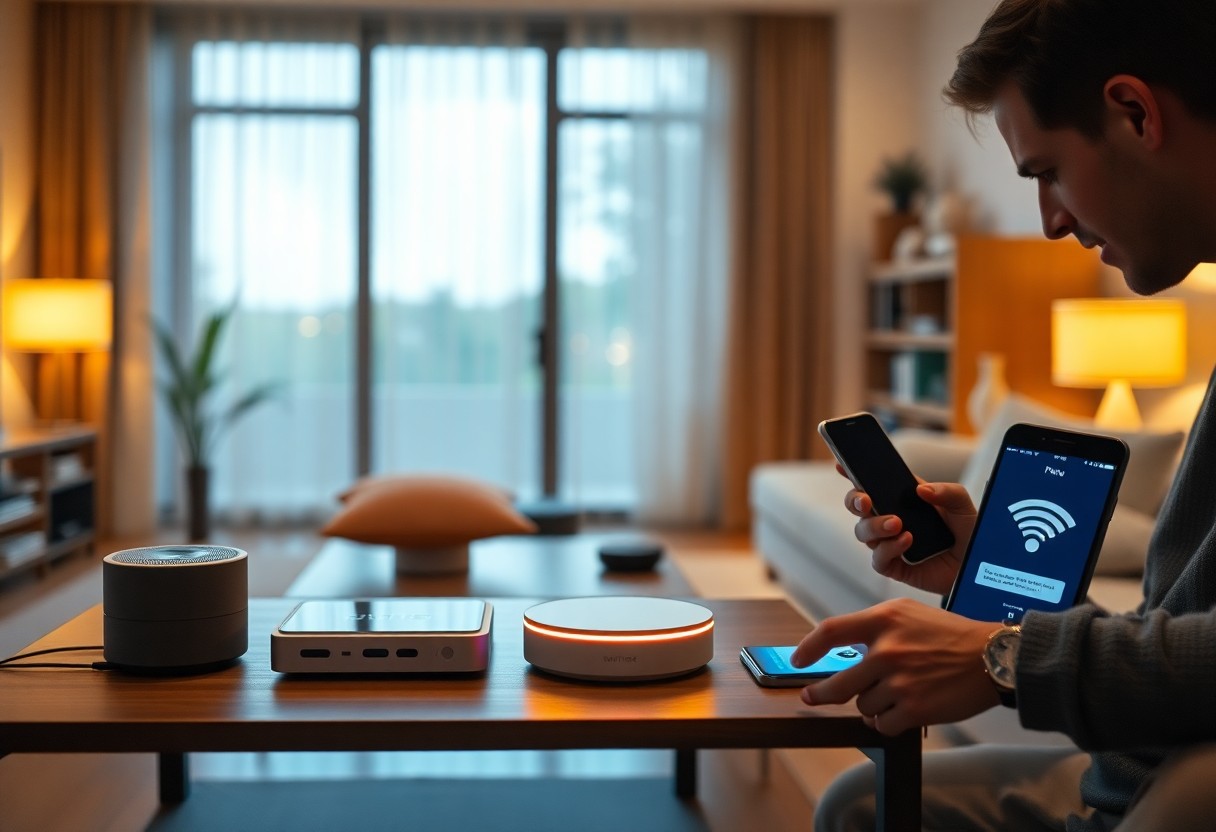
SmartHome technology promises convenience, but persistent disconnections can turn that promise into frustration. If you find your smart home devices frequently dropping offline, understanding the underlying causes and solutions can help restore stability. This guide will equip you with actionable steps to troubleshoot connectivity issues, optimize your network settings, and enhance the reliability of your smart devices, ensuring your home operates as intended.
Key Takeaways:
- Ensure your Wi-Fi network is stable and within range of all devices.
- Keep firmware and software updated for all smart home devices.
- Consider reducing interference from other electronics or switching to a less congested Wi-Fi channel.
Understanding Smart Home Connectivity Issues
Connectivity problems with smart home devices can arise from a multitude of factors, often leading to frustrating user experiences. Whether it’s intermittent disconnections or a complete inability to connect, understanding the root causes is necessary for restoring functionality. As you troubleshoot, consider various elements like network conditions, device compatibility, and environmental factors surrounding your smart devices. Assessing these issues can help you identify effective solutions to maintain consistent connectivity.
Common Causes of Disconnection
Several factors can contribute to your smart home devices disconnecting, including weak Wi-Fi signals, overloaded networks, outdated firmware, and device placement. Compatibility issues between devices and routers can also create challenges, particularly if they operate on different frequencies or standards. Addressing these common causes is vital for a seamless smart home experience, ensuring all devices can communicate effectively without interruptions.
Impact of Wi-Fi Interference
Wi-Fi interference is a significant contributor to connectivity issues, often stemming from physical barriers, electronic devices, or neighboring networks. Even common household items like microwaves and cordless phones can disrupt your Wi-Fi signal, particularly if they operate on the same frequency band. Additionally, the proliferation of Wi-Fi-enabled devices within your home can congest the network, reducing overall performance and leading to disconnections.
Interference can manifest as slow connection speeds or intermittent dropouts, severely impacting the reliability of your smart devices. For example, if you have multiple devices streaming or downloading data simultaneously, the bandwidth can become saturated, causing interruptions. Using a dual-band router can alleviate some of these challenges by allowing you to designate certain devices to the less crowded 5 GHz band, optimizing performance and reducing the likelihood of disconnections due to interference.
Troubleshooting Your Devices
Identifying the root cause of your device disconnections is important for resolution. Start by narrowing down the issue through basic troubleshooting steps. Assess the placement of your devices, ensuring they’re not too far from the router and aren’t obstructed by walls or electronic interference. Follow with a systematic approach to eliminate possibilities, such as testing individual devices and checking their settings, which can significantly streamline your efforts.
Restarting and Resetting Devices
Often, a simple restart can resolve connectivity issues, so power cycle your devices by unplugging them and then plugging them back in. If problems persist, consider performing a factory reset according to the manufacturer’s guidelines. This can restore original settings and fix any software glitches that may be causing your devices to disconnect.
Updating Firmware and Software
Keeping your smart home devices updated is fundamental to maintaining connectivity. Manufacturers regularly release firmware updates that not only enhance performance but also fix bugs and address security vulnerabilities. Navigate to your device settings or the manufacturer’s app to check for any available updates, and follow the prompts to install them.
For an efficient update process, stay informed about your devices’ firmware versions. Most manufacturers provide release notes detailing improvements and fixes with each update. Frequent updates can lead to seamless functionality and ensure your devices are compatible with the latest standards. Set up automatic updates if available to simplify the maintenance of your devices and enhance their reliability in your smart home network.
Optimizing Your Network
Your home network’s performance significantly impacts the connectivity of smart devices. Fine-tuning your network settings can enhance stability and reduce disconnection issues. Start by regularly checking the number of devices connected to your network and consider upgrading your router if you have too many devices sharing bandwidth. Also, dedicate bands for different device types, utilizing both 2.4 GHz and 5 GHz frequencies where applicable for better load distribution.
Router Placement and Configuration
The location of your router plays an important role in signal distribution. Position it centrally in your home, ideally elevated and unobstructed by thick walls or furniture. Ensure it’s configured correctly, with the latest firmware updates, and utilize features like Quality of Service (QoS) to prioritize bandwidth for your smart devices, leading to more reliable connections.
Enhancing Wi-Fi Signal Strength
Improving Wi-Fi signal strength involves several strategies. Start by checking for interference from other electronic devices and ensure your Wi-Fi channel is set to one that is less crowded. You can also use Wi-Fi extenders to reach areas in your home where the signal may be weak, ensuring your smart devices remain connected regardless of their location.
Utilizing Wi-Fi extenders can significantly bolster your network’s effectiveness. They work by amplifying your existing Wi-Fi signal, expanding coverage to areas with previously weak connectivity. Alternatively, consider a mesh network system, which uses multiple nodes to create a seamless Wi-Fi environment throughout your home. Research shows that mesh systems can outperform traditional routers, delivering a consistent signal across multiple floors and large spaces, drastically reducing disconnections for smart home devices.
Considerations for Smart Home Hub
A smart home hub can greatly enhance your home automation system by serving as a central point through which all your devices communicate. This integration helps streamline connections, allowing for better control and coordination of various smart devices, reducing the occurrences of disconnections and ensuring smoother operation across your network.
Benefits of Using a Hub
Using a smart home hub simplifies device management and improves compatibility among different brands. By facilitating communication, a hub can enable automation routines you wouldn’t achieve with standalone devices. Furthermore, hubs often feature better security protocols, making your smart home network more resilient against unauthorized access.
Choosing the Right Hub for Compatibility
Selecting the appropriate hub is crucial for maximizing your smart home setup’s potential. Check the compatibility of the hub with the devices you already own. Popular options like SmartThings or HomeKit support a wide range of brands, making it easier to integrate diverse devices. Ensure the hub supports the communication protocols used by your devices, such as Zigbee, Z-Wave, or Wi-Fi, which will determine seamless connectivity.
Consider your current and future device ecosystem when choosing a hub. For instance, if you plan to expand your smart home with devices from various manufacturers, opt for a hub renowned for its interoperability. Hubs like Amazon Echo Plus can support Zigbee devices, while others like Google Nest Hub focus primarily on Wi-Fi products. Researching and comparing features, compatibility, and user reviews will ensure that your investment aligns with long-term goals, ultimately providing you with a robust and versatile smart home experience.
Preventative Measures
By implementing preventative measures, you can significantly reduce connectivity issues with your smart home devices. Start by ensuring that your network is stable and secure, employing strong passwords and encryption. Regularly updating firmware for all devices can mitigate vulnerabilities and enhance performance. Also, consider the positioning of your devices and hub, eliminating physical obstructions and optimizing placement for better signals.
Regular Maintenance and Monitoring
Consistent maintenance is key to a reliable smart home environment. Monitor device performance through your hub’s app or interface to catch issues early. Routine checks of firmware updates ensure devices run on the latest software. Additionally, keep an eye on network traffic; heavy usage may necessitate upgrades or adjustments to your bandwidth allocation.
Future-Proofing Your Smart Home
To future-proof your smart home, invest in devices that support the latest communication standards, such as Wi-Fi 6 or Zigbee 3.0. Choose smart products that offer compatibility with multiple platforms, ensuring versatility as technology evolves. Staying informed about upcoming innovations will help you adapt your system over time while maintaining seamless integration.
As technology progresses, new standards and devices emerge, making it important to select smart home products that are not only convenient but also adaptable. Products that integrate with open-source platforms or ecosystems allow for easier updates and replacements. By focusing on compatibility, connectivity, and scalability now, you can create a smart home that stands the test of time. This proactive approach ensures you aren’t left behind when advancements in automation and connectivity occur.
Seeking Professional Help
If troubleshooting hasn’t resolved your smart home device issues, it may be time to seek professional help. Experienced technicians can diagnose and address complex problems that you might not be able to pinpoint. They can also check for firmware updates or compatibility issues that could be affecting your devices. Engaging a professional saves time and can lead to a more effective solution, ensuring your smart home runs smoothly.
When to Consult a Technician
If you consistently experience disconnections after trying all standard troubleshooting methods, it indicates a deeper issue requiring expert examination. Unusual symptoms, such as devices frequently resetting or software failing to update, suggest that a technician may be needed. Additionally, if multiple devices are affected despite being on different networks, this could signal an underlying hardware problem.
Understanding Warranty and Support Options
Before seeking professional help, check your smart device’s warranty and support options. Most manufacturers offer a period during which repairs or replacements are covered, often ranging from one to three years. Some companies provide technical support services, allowing you to receive assistance without incurring additional costs.
Knowing the details of your warranty can streamline the process of getting your device repaired or replaced. For instance, some manufacturers offer extended support plans that provide added benefits, such as priority service or discounted repairs. Reading through the terms and conditions of your warranty can reveal if specific issues are covered, ultimately saving you money and time. In cases where devices are still under warranty, contacting the manufacturer directly might yield quicker resolutions than seeking third-party assistance.
Conclusion
Considering all points, if your smart home devices keep disconnecting, you can take several proactive steps to resolve the issue. Ensure your Wi-Fi signal is strong and stable by positioning your router in a central location, reducing interference, and updating firmware regularly. You may also want to examine the compatibility of your devices and reset them if necessary. For more detailed guidance, refer to Troubleshooting Common Smart Home Connectivity Issues to enhance your network’s performance.
FAQ
Q: Why do my smart home devices keep disconnecting from Wi-Fi?
A: Frequent disconnection can occur due to various reasons such as weak Wi-Fi signals, interference from other electronic devices, or outdated firmware on your smart devices. Checking your router’s placement and ensuring it’s away from obstructions and other electronics can help improve connectivity.
Q: What can I do to improve the stability of my smart home network?
A: First, ensure your router’s firmware is up to date. You might also consider using a Wi-Fi range extender or a mesh network system to expand coverage. Additionally, reducing the number of devices connected to the network can alleviate congestion and maintain stronger connections.
Q: How can I troubleshoot specific devices that frequently disconnect?
A: Start by rebooting the device and checking for any software updates. If the problem persists, try removing the device from the network and re-adding it. Make sure the device is within range of the router and inspect any settings that might limit its connectivity, such as firewall settings.