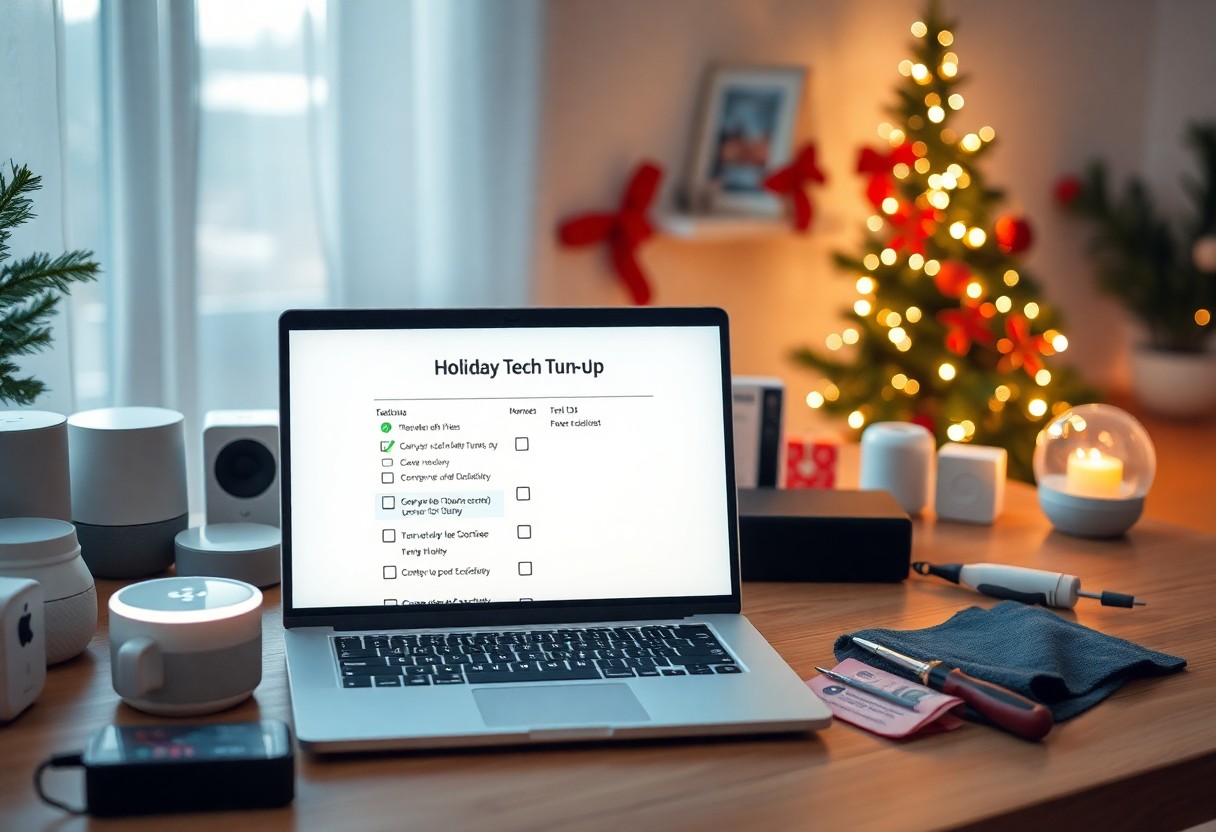
Holiday preparations extend beyond shopping and decorating; it’s the perfect time to assess your home tech. You want your devices operating smoothly to enhance your celebrations and keep your gatherings tech-friendly. This guide will help you systematically check and optimize your gadgets, ensuring everything works flawlessly when you need it most. From smart speakers to streaming devices, get ready to elevate your holiday experience with a quick tech tune-up.
Key Takeaways:
- Update all software and firmware on devices to ensure optimal performance.
- Check and optimize Wi-Fi connectivity to support multiple users and streaming needs.
- Perform routine maintenance on devices, such as cleaning and organizing cables and storage space.
Assessing Your Home Network
Before the holiday gatherings begin, take a moment to evaluate your home network. A strong, reliable internet connection is important for streaming, video calls, and connecting smart home devices. You’ll want to identify any dead zones and assess your bandwidth to ensure seamless connectivity for all your holiday activities. This proactive approach minimizes disruptions when you need your devices the most, allowing everyone to stay connected during the festivities.
Checking Wi-Fi Connectivity
To start, test the Wi-Fi signal strength in different areas of your home. Use an app or built-in tools on your device to gauge connectivity and identify weak spots. If your signal is dropping or slow, consider relocating your router or adding Wi-Fi extenders to optimize coverage, ensuring that all family members can enjoy their favorite holiday streaming services without interruption.
Updating Router Settings
Updating your router settings can significantly enhance performance. Log into your router’s admin panel and check for firmware updates. Most routers receive updates that improve security and functionality, so don’t overlook this step. Adjusting the network channel can also mitigate interference, especially if you live in a densely populated area where many networks compete for the same frequency.
Accessing your router’s admin panel typically involves entering its IP address in a web browser. Look for the firmware section to check for any updates from the manufacturer. Enabling features like QoS (Quality of Service) will prioritize bandwidth for devices that need it during high-traffic times, such as streaming services or video calls. Additionally, consider changing your Wi-Fi channel from the default to reduce interference, especially if your neighbors’ networks are on the same frequency, which is common in apartment complexes or densely populated neighborhoods.
Updating Software and Firmware
You must prioritize updating your devices’ software and firmware before the holiday season commences. These updates not only fix bugs and improve performance but also enhance security, safeguarding your information from vulnerabilities. As you gather with family and friends, a well-tuned device can make the difference between a seamless experience and frustrating interruptions.
Importance of Regular Updates
Regular updates keep your devices secure and functioning optimally. They patch security loopholes that hackers can exploit, ensuring your personal information remains safe. Furthermore, updates can introduce new features and enhancements that elevate your overall user experience, allowing you to enjoy holiday festivities without technical hiccups.
How to Update Devices
Updating devices is simple. Start with your smartphone or tablet by navigating to the settings menu, selecting ‘Software Update,’ and following prompts. For computers, ensure your operating system is set to install updates automatically. Smart home devices often require checking the manufacturer’s app or website for the latest firmware. Following these steps ensures your devices are equipped with the latest enhancements.
To update your devices effectively, make a checklist of each device and its respective update method. For smartphones and tablets, utilize the built-in update feature; for computers, check the system settings or application menus. Smart home gadgets might need manufacturer-specific apps like Google Home or Apple HomeKit for firmware updates. Additionally, schedule a time during your week when you can devote a few uninterrupted minutes to ensure every device gets the attention it requires. This organized approach not only saves time but guarantees that everything is ready for the holiday celebrations.
Cleaning and Organizing Tech Devices
Cleaning and organizing your tech devices not only enhances their performance but also prepares your space for guests. Dust, dirt, and clutter can impede functionality and create a less inviting atmosphere. Taking the time to properly clean and declutter ensures your devices serve you well during the busy holiday season, allowing for smooth streaming, gaming, and browsing experiences.
Physical Cleaning Tips
Regular physical cleaning of your devices prevents dust buildup and maintains efficiency. Start by unplugging devices and using microfiber cloths for screens, while soft brushes can reach crevices. Pay attention to frequently touched items to reduce germs. Key cleaning strategies include:
- Wiping down surfaces with disinfectant wipes.
- Cleansing screens with dedicated screen cleaners.
- Using compressed air to clear dirt from keyboards and ports.
This helps maintain the longevity of your devices and enhances overall performance.
Decluttering Digital Space
Decluttering your digital space removes unnecessary files and applications that slow down your devices and distract you from holiday tasks. Start by organizing digital folders, deleting unused apps, and emptying trash bins. It’s beneficial to categorize files into relevant folders to streamline access and improve efficiency.
Consider conducting a thorough digital audit by going through your device and assessing the need for each file or app. Utilize cloud storage solutions for backups of imperative files, which can also ease access across devices. Additionally, unsubscribe from emails that clutter your inbox and delete old messages to enhance your email experience. This curated digital environment supports smoother tech interactions throughout the festive season.
Enhancing Security Measures
As holiday festivities draw near, strengthening your home device security is imperative to safeguard personal information and ensure a seamless experience. Cyber threats can increase during this season when online shopping and digital interactions surge. Prioritizing security measures now will help protect your devices and your data, allowing you to enjoy the celebrations without added stress.
Updating Passwords
Begin by updating your passwords across all devices and accounts. Utilize strong, unique passwords that combine letters, numbers, and symbols. Aim for at least 12 characters and avoid using easily guessed information like birthdays. Consider a password manager to help you maintain complexity without the hassle of remembering every variation.
Implementing Two-Factor Authentication
Two-factor authentication (2FA) adds an important layer of security by requiring a second form of identification, usually a code sent to your phone or email, in addition to your password. This process significantly reduces the risk of unauthorized access, even if someone manages to obtain your password. Enable 2FA wherever possible, especially on accounts that hold sensitive information, such as banking and shopping sites.
For instance, when you enable 2FA on your Google account, you receive a verification code via text message every time you log in from a new device. This means that even if your password is compromised, a hacker would still need access to your phone to gain entry. Many platforms like Facebook, Amazon, and your banking institution offer this feature, making it an imperative practice to enhance your overall security posture this holiday season.
Preparing Smart Home Devices
As the festivities approach, ensure that your smart home devices are optimized for convenience and safety. Begin by checking for software updates on all devices, as manufacturers often release performance enhancements that can improve functionality. Additionally, review the settings of each device to customize them to your holiday needs, be it adjusting lighting schedules or programming your thermostat to accommodate seasonal changes.
Configuring Voice Assistants
Set up your voice assistants to streamline holiday tasks. Train them to recognize your voice for accurate responses, and customize specific commands to control holiday lights, manage music playlists, or create shopping lists. Tailor routines that align with your holiday schedule, enabling smooth interactions as you prepare for guests and festivities.
Ensuring Device Interoperability
Interoperability among your smart devices is key to creating a seamless holiday experience. Verify that all devices connected to your smart home hub can communicate effectively, ensuring they work together harmoniously. This may involve configuring settings in their respective apps and ensuring they all work with the same protocols, like Zigbee or Z-Wave, for optimal functionality.
To enhance device interoperability, consider using platforms that support multiple brands and protocols, such as Samsung SmartThings or Apple HomeKit. This allows you to unify your devices, regardless of their manufacturers. Take time to test each connection; for instance, ensure that your smart lights react to voice commands given to your smart speaker. This holistic approach not only enhances usability but also provides a more cohesive tech experience during the busy holiday season.
Testing All Devices
Now that your smart home devices are prepared and secure, it’s important to test all devices to ensure optimal performance during the holiday season. Start by powering on each device and checking for any software updates that may be required. Once updated, test functionality; for smart speakers, try voice commands, and for smart lights, check responsiveness. Additionally, examine any connected devices to confirm they are operational and communicating properly with your home network. A quick assessment will help you avoid any disruptions during festive events.
Running Compatibility Checks
To ensure your devices work seamlessly together, conduct compatibility checks. This involves verifying that all smart devices are compatible with each other and your central control system, such as a smart home app or hub. For instance, if you’re using Philips Hue lights, ensure they can sync with your Amazon Echo for voice control. Check manufacturer websites for compatibility lists and make necessary adjustments or updates to guarantee a unified smart home experience.
Ensuring Backup Solutions are Functional
Your backup solutions are vital in case of device malfunctions or data loss during the busy holiday season. Check that your cloud storage service is operating as expected, and perform a test backup of critical files, such as family photos or recipes. Review your external hard drives and confirm they are properly connected and functioning. If you rely on network-attached storage, ensure it is accessible from all devices and performing regular snapshots. Being proactive with backups can save you from potential stress and lost data.
Backup solutions should not only be functional but also regularly tested to ensure their reliability. For example, if you’re using a cloud service like Google Drive or Dropbox, attempt to retrieve a recently saved file to confirm that your data is both stored securely and easily accessible. Additionally, setting up automated backups for critical documents can streamline your holiday prep. Regularly scheduled backups mitigate the risk of data loss, protecting your memories and important information from unexpected device failures or security breaches.
Summing up
Ultimately, preparing your home devices before the holiday festivities ensures a smooth and enjoyable experience. By taking the time to optimize your technology, you can avoid last-minute issues and enhance your celebrations. From updating security systems to checking imperative appliances, these steps will keep your holiday stress-free. For additional tips, check out 4 Ways to Prep Your House for Vacation: 2025. Start now to make sure your home is ready for the festivities ahead.
FAQ
Q: What is a Holiday Tech Tune-Up?
A: A Holiday Tech Tune-Up involves checking and optimizing home devices to ensure they function smoothly during the holiday season. This includes updating software, organizing smart home setups, and ensuring all devices are connected and functioning properly.
Q: How can I prepare my smart home devices for holiday gatherings?
A: Start by verifying that all smart devices are up-to-date with the latest firmware. Ensure your Wi-Fi network can support multiple devices simultaneously. Also, organize your smart home app settings for easy access and control during gatherings.
Q: What devices should I prioritize for the Holiday Tech Tune-Up?
A: Focus on devices most likely to be used during the holidays, such as smart speakers, streaming devices, home security systems, and lighting controls. Additionally, check any appliances that may enhance your holiday experience.